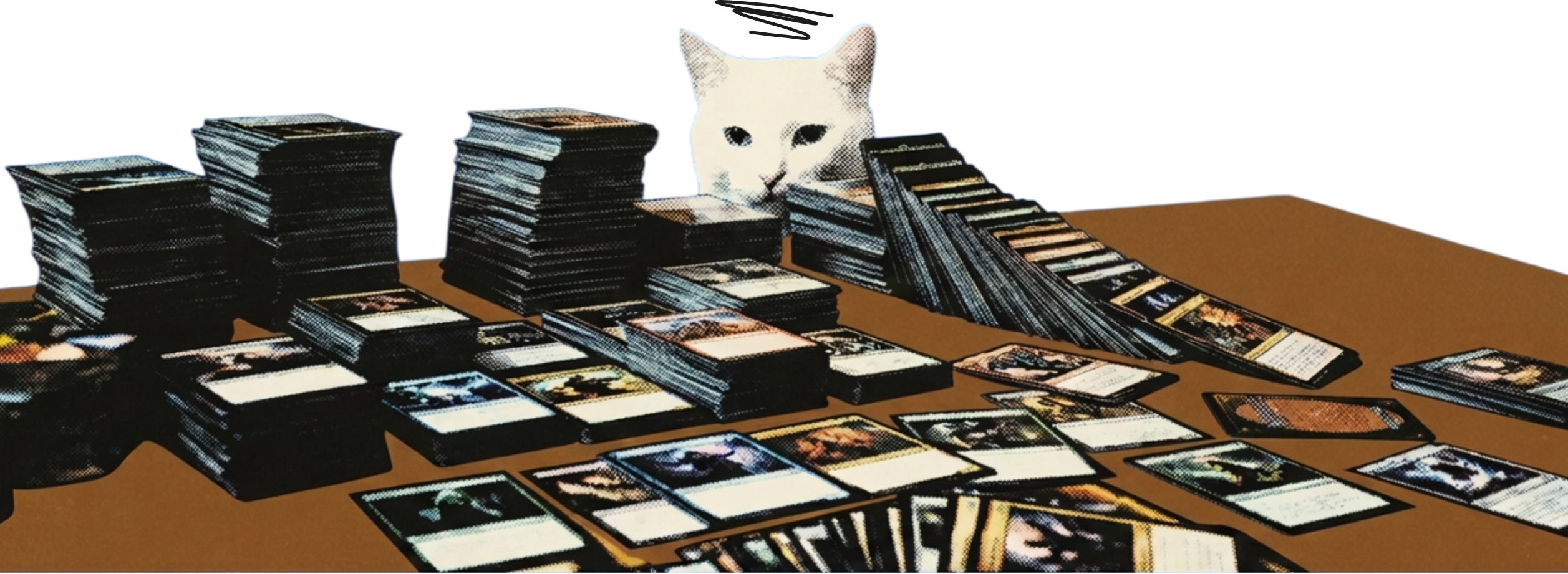
A card shop kiosk is an iPad at the counter where customers search the singles you hold right now, open the exact printing they want and send a request without asking a staff member.
The question it takes off your staff
Without a kiosk, finding a single means asking the person behind the counter. They dig through a binder while the line grows, and the customer leaves with whatever they happened to remember to ask for. Oskii moves that search to an iPad the customer can use alone.
The kiosk is an iPad in landscape, set up for the counter. Customers tap the screen and browse. Your staff keep working the register.
A busy Saturday shows the difference. Staff answer the questions only a person can answer, such as which deck suits a new player, and the kiosk handles the plain "do you have this card" lookups.
Search that reads your live stock
- Customers search by name, set or collector number across every binder, case and bin you hold. Results show only cards you have in stock. A sold-out card does not appear, so nobody queues to ask for something you no longer have.
- Filters cover set, finish, condition and language. Each result carries a daily market estimate, labelled as an estimate. The register still sets the real price.
- The search reads the same inventory your staff manage in the console. When you import a binder or correct a count, the kiosk follows. There is no second list to keep up to date.
Open the exact printing
Tapping a card opens every printing you have of it. Each one shows its set, finish, condition and language, with its own count. A customer who wants the foil from one set picks that line, not "the card".
The kiosk shows the price estimate for the printing and the variations in stock, so the choice is made with the facts on screen. Counts come from the same inventory your staff see.
Send a request, and the copy is held
The customer adds cards to a cart titled as a pickup request, to be paid at the counter. When they send it, Oskii places a hold on those exact copies. Availability drops for every other customer straight away, so two people cannot be promised the last copy.
The cart is titled as a pickup request, to be paid at the counter, so customers know the next step before they send it. Nothing is charged on the iPad.
The customer can leave an email address to get status updates. They get a short code and a QR code for their own status page, plus a tracker that moves through Requested, Being fetched, Ready and Picked up.
What happens behind the counter
A new request goes to staff with a QR code. They open the pick list on their phones, find each card by its bin and mark it found or not found. The kiosk customer sees the status change on their tracker, and gets an email when the order is ready.
The kiosk never takes payment. The customer walks to the register and pays there, and your staff key the total into the POS you already run.
Built for a shared screen
After a set idle time the kiosk shows a 15-second prompt, then clears everything. No customer data stays on the device. The iPad runs in Single App Mode, so customers cannot leave the kiosk app.
Browse and search work from a copy of your stock kept on the iPad, so a brief network drop does not blank the screen. Sending a request needs the network.
- 15-second
- prompt, then clears everything
What customers see while they wait
- After sending, the kiosk shows a confirmation screen with the short code and the tracker. The customer can scan the QR code to keep the status page on their own phone, then browse the shop while staff fetch the cards.
- When staff finish, the status moves to Ready and the customer is told which cards were found and which were not, along with the total. Anything not found has already returned to available stock.
The hardware you need
An iPad for the counter. That is the whole list. The kiosk ships to your shop set up and ready to go when it is your turn, and staff use the phones they already carry for the pick list.
Questions shop owners ask
- What is a card shop kiosk?
- It is an iPad at the counter where customers search your live stock of singles and send a request for the cards they want. Staff then pull the cards from a pick list.
- What does the kiosk run on?
- An iPad in landscape, in Single App Mode so customers stay inside the kiosk app. It ships to your shop set up and ready.
- Can two customers request the same last copy?
- No. A request places a hold on the exact copy the moment it is sent. Availability is on hand minus held, so the second customer sees it as gone.
- Does the kiosk take payment?
- No. Customers pay at your register. Oskii hands staff a total and a list of SKUs to key into your POS.
- Does it show prices?
- It shows daily market estimates from Scryfall, labelled as estimates. A price you set yourself is labelled "Shop price". Your register sets what the customer pays.
- Do customers need an account to use it?
- No. A customer can browse and send a request at the kiosk. An email address is optional and only used for status updates on that request.
- What if the network drops?
- Browse and search keep working from a copy of your stock on the iPad. Sending a request needs the network.